Instagram Carousel Size: Exact Dimensions for Every Ratio
Use 1080 × 1350 px (4:5). It fills more of the feed and is what Instagram recommends for carousels. Pick your slide count and ratio below to get the exact numbers.
Keep captions and logos inside the dashed area — profile UI and crops can cover the edges.
Instagram carousel size chart
Every slide in a carousel shares one ratio. These are the three sizes that matter in 2026 — the total column is the whole strip, with all 10 slides side by side.
| Ratio | Pixels per slide | Total for 10 slides | Best for |
|---|---|---|---|
| 4:5 | 1080 × 1350 | 10,800 × 1,350 | Recommended Feed carousels |
| 1:1 | 1080 × 1080 | 10,800 × 1,080 | Legacy square grids |
| 3:4 | 1080 × 1440 | 10,800 × 1,440 | Taller slides with more text |
What the safe zone means
Keep text, logos and faces at least 8% away from every edge. Profile UI, the swipe indicator and some crops can cover the outer band of a slide — the dashed area in the preview above is where your content is safe.
How many slides should you use?
Quick tips
One idea, one example, one call to action. Best for fast-reading posts.
Most carousels
Cover, problem, three points, CTA. The default for educational content.
Deep dives
Step-by-step guides and case studies. Keep each slide to one sentence.
How to split a wide image into carousel slides
Design once as one wide strip, then slice it into columns on the 4:5 grid.
Design the wide strip
Make the canvas slides × 1080 px wide and 1350 px tall (e.g. 5400 × 1350 for 5 slides).
Cut every 1080 px
Slice at 1080, 2160, 3240 … so each column matches the 4:5 frame exactly.
Export in order
Name files 01.png to N.png and upload them in order. No gaps, no white edges, no stretching.
Profile grid sizes
A profile grid is 3 columns across and R rows down. Use the portrait canvas for 4:5 tiles or the square canvas for 1:1 tiles. Cut it on the same 1080 px columns, and no cell is ever stretched.



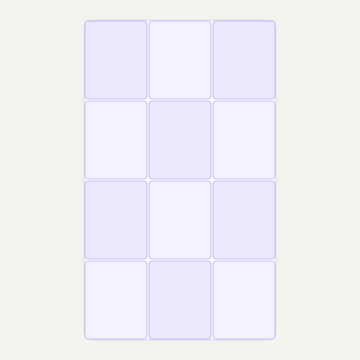
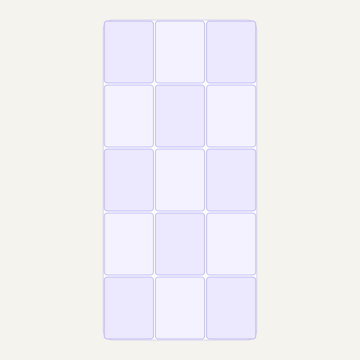
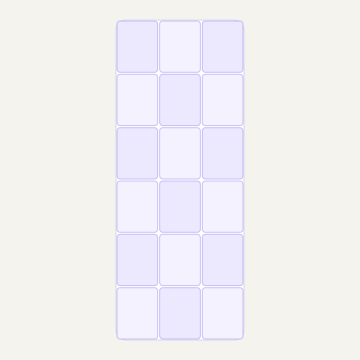
Upload the last tile first so tile 1 lands in the top-left of your profile.
Frequently asked questions
What is the best Instagram carousel size?
1080 × 1350 px (4:5). It fills more of the feed than a square post and is the ratio Instagram recommends for carousels.
Does every slide need the same size?
Yes. Instagram applies one ratio to the whole post, so every slide must share the same dimensions.
How many slides can an Instagram carousel have?
Up to 20 photos and videos per post. Carousel ads are limited to 2–10 cards.
What is the total size for 10 slides?
At 4:5, ten slides sit side by side on a 10,800 × 1,350 px canvas. The same count in 1:1 is 10,800 × 1,080 px, and in 3:4 it is 10,800 × 1,440 px. Use the calculator above for any slide count.
Is 1080 × 1080 still okay?
Yes, it still works. But a 4:5 slide takes more vertical space in the feed, which usually means more attention.
How do I split a wide image into carousel slides?
Design one wide canvas that is slides × 1080 px wide and 1350 px tall, then cut it into columns every 1080 px. Our carousel tool slices it exactly, with no gaps, no stretching and no white edges.